
I can't sign in
Wrong address, email or username, a locked account, an expired invitation or reset link, and the security check, with what to do for each.
Short answer: check three things in this order. Are you on the right address? On app.getsolmex.com you must sign in with your email address; on your company's own address, such as yourcompany.getsolmex.com, you can use your email or your username. Are you locked out? Five wrong passwords in a row lock an account for 15 minutes, and the lock lifts by itself. Has your link expired? Invitations last 7 days and reset links 2 hours.
What you may see
| If you see… | What it means | What to do |
|---|---|---|
| "Login failed. Check your credentials." | The email or username, or the password, did not match. A locked account shows the same message | Check what you typed, using Show. At app.getsolmex.com use your email. If you have tried five times, wait 15 minutes |
| "We couldn't find a sign-in page for that address. Check it's the address your company registered for you, or ask your administrator for your company's web address. No company on Solmex yet?" | The email you gave is not on any company's account | Check the address, or ask your administrator for your company's web address |
| "Too many attempts from this network. Wait a few minutes and try again." | Several failed sign-ins came from your network | Wait a few minutes, then try again carefully |
| "The security check did not finish." | The check that tells people from bots did not complete | Click Try again. If it repeats, reload the page or try another browser |
| "The security check is taking longer than usual." | The check is slow on your connection | Wait a moment |
| The invitation link does not work | It has expired (after 7 days) or been used | Ask your administrator to click Invite on your row again |
| "This link has expired. Request a new one and it will arrive in a moment." | An invitation lasts 7 days and a reset link two hours | For a reset, click Request a new link. For an invitation, ask your administrator to send it again |
| "This link has already been used. If that was you, sign in with your new password. If it was not, request another and tell your administrator." | Each link works once | Sign in with the password you set, or request another link |
| "Wrong company, username or password" (mobile app) | One of the three is wrong | Company is the part before .getsolmex.com, then your username and password |
| "Cannot reach the server. Check your connection." (mobile app) | You are offline | Sign-in needs a connection |
Email or username?
| You are on | Enter |
|---|---|
| app.getsolmex.com | Your Email address. It tells Solmex which company you belong to |
| Your company's own address | Your Email or username |
| The mobile app | Company, then your Username |
People with no email address on their account sign in with their username at the company's own address. An administrator finds that link in Settings > General, under Sign-in link for usernames. See Sign in to Solmex.
Locked out
After five wrong passwords in a row, the account is locked for 15 minutes. You do not need to do anything: the lock lifts by itself, and the count returns to zero on your next successful sign-in. An administrator can see the count in the Failed column on Settings > Users.
Forgot your password
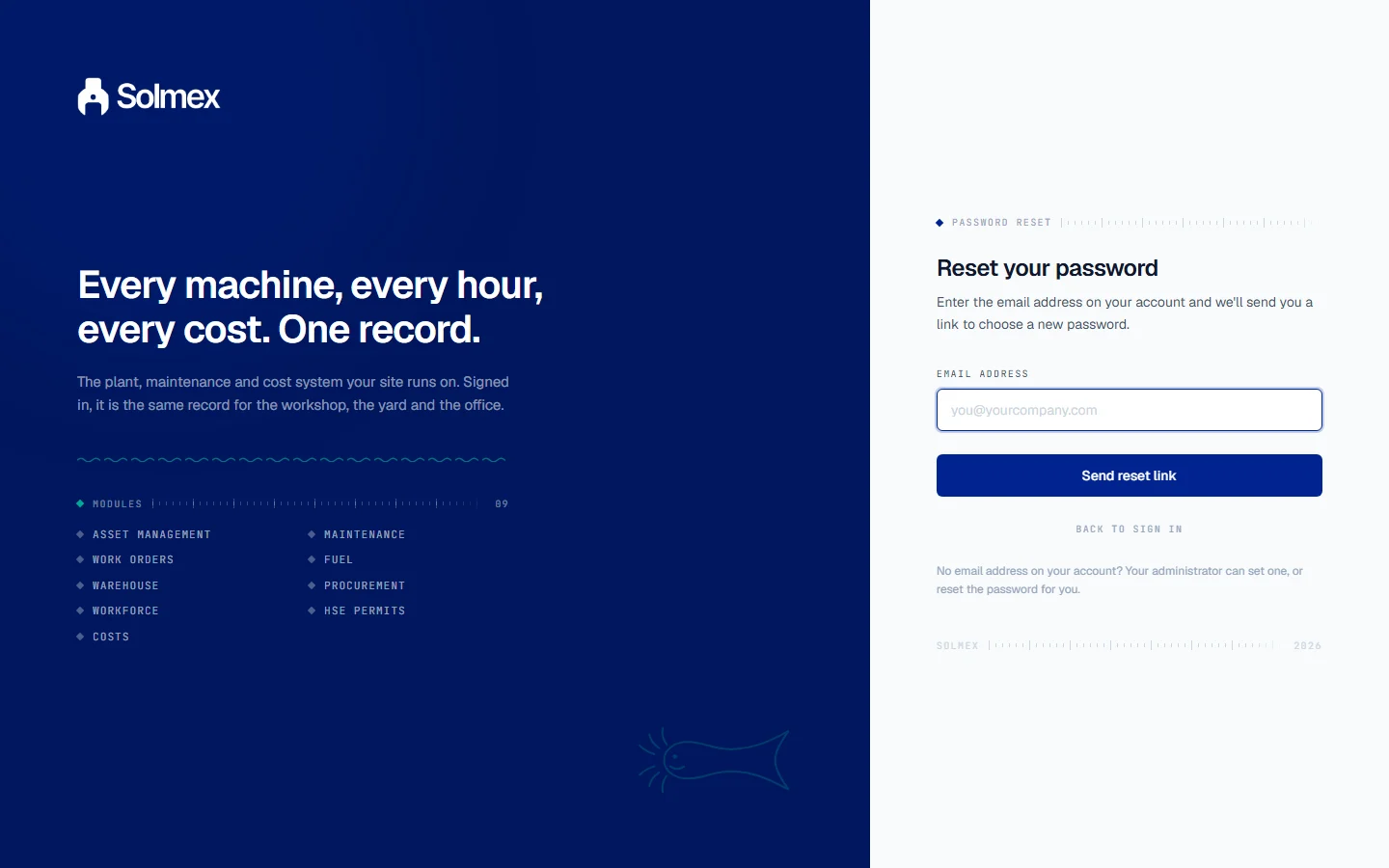
On the sign-in page, click Forgot your password?, enter your email address and click Send reset link. Solmex shows the same message whether or not the address is registered, so it cannot be used to find out who has an account. If no email arrives, see Emails are not arriving.
No email address on your account? Your administrator can reset your password with Reset PW, or add an email so you can reset it yourself.
For administrators
| Situation | What to do |
|---|---|
| The account is Disabled | Click Enable, then Invite if they need a new password. See Disable, re-enable and seats |
| "This account is deactivated. Reactivate it first." | The same: enable the account before inviting |
| "Cannot deactivate your own account" | Another administrator must do it |
| A message that resetting the password of an administrator needs administrator rights | Only an administrator can reset another administrator's password |
| A user was just given new Locations | Changing someone's Locations signs them out of open sessions. They simply sign in again |