
Spare parts show none available, but the register says we have them
Why an issue, a work order or a PM says there is not enough stock when the Stock Register shows plenty, and how to put it right without inventing stock.
Short answer: stock is held per storage location. The In Stock figure on the Stock Register is the total across every location, but an issue can only take stock from the one location it issues from. Parts used on a work order or a logged PM are issued from the part's put-away location, so if the delivery was received somewhere else, Solmex finds nothing there.
How it happens
A typical case: every delivery is received into "Main Store", while the part's put-away location is "Rack 4". The Stock Register shows 10 in stock, all at Main Store. A technician finishes a work order that used 2, and Solmex looks on Rack 4, where nothing was ever received.
What you may see
| If you see… | What it means | What to do |
|---|---|---|
| "... has 2 available at MAIN.R04, not 5" | On a goods issue, the chosen location holds less than you asked for | Reduce the quantity, choose the location the stock is actually in, or receive more first |
| "Cannot issue 5; only 2 in stock" | When fitting a part to a machine, the location you issued from holds too few | Choose another location in Issue from, or reduce the quantity |
| "Insufficient stock for part ...: need ..., only ... on hand" | On a logged PM, the part's put-away location holds too few | Receive the part into its put-away location, or reduce the quantity, then complete the PM again |
| "Insufficient stock for part" with a stock code | Finishing a work record found too few at the put-away location | Receive the stock, or correct the quantity, then finish again |
| "... has no default location, so there is nowhere to issue it from." | The part has no put-away location | Give the part a put-away location, or choose a location in Issue from |
| "... is inactive and cannot be issued" | The part was made inactive | Use an active part, or ask whoever manages the catalogue |
| "Nothing is recorded at this location." | On Stock Count, no part was ever received at this location | Choose the location the stock was received into |
| A location is missing from Issue from or Receive into | It is archived | Restore it on the Warehouse Setup tab |
Put it right
Pick the fix that matches what is really on the shelf.
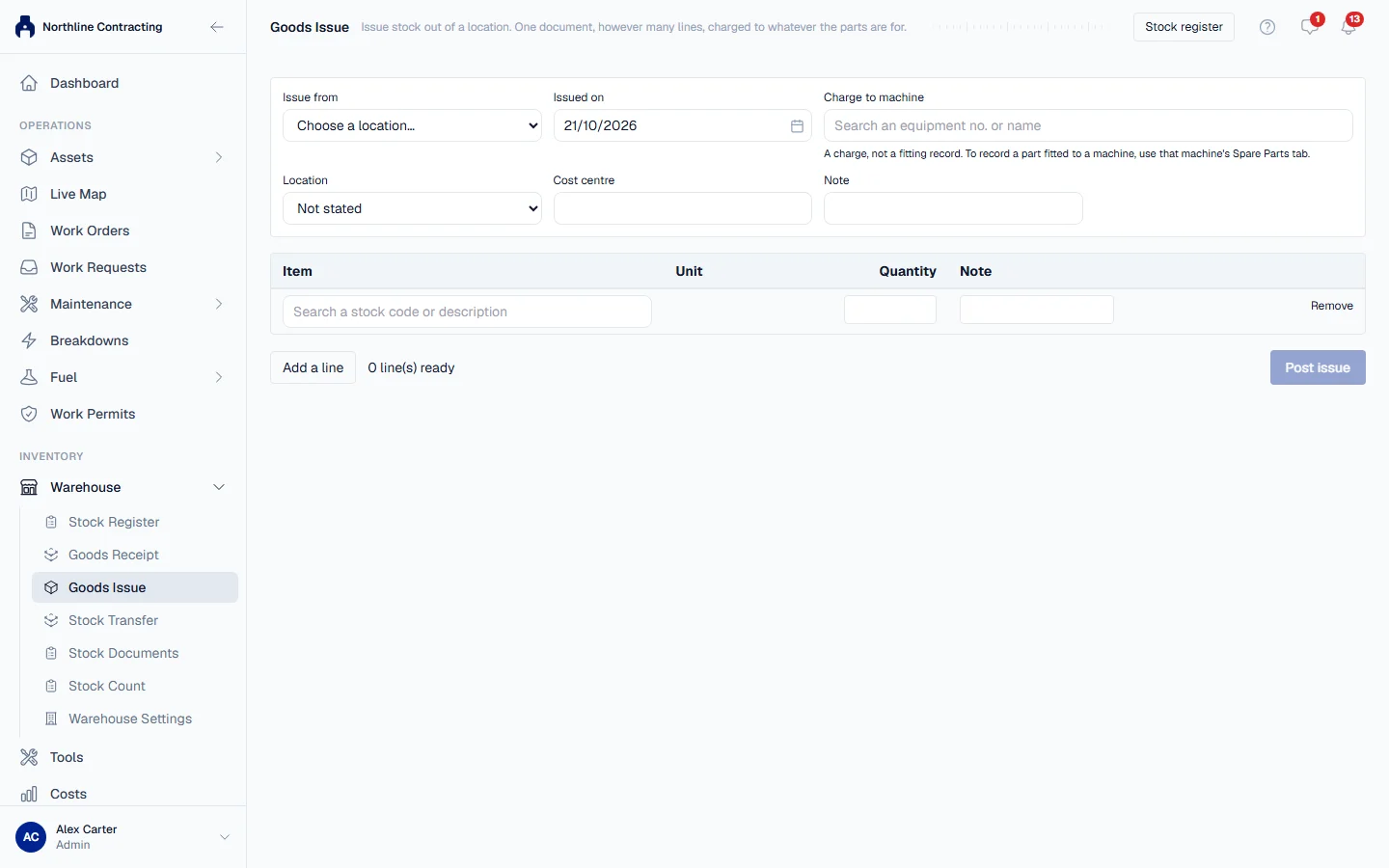
- Issue from where the stock is. On Goods Issue, and on a machine's + Issue Part, choose the storage location the delivery was received into, instead of the part's default.
- Make the put-away location match where you receive. Open the part with Edit on the Stock Register and set its Put-away location to the store you actually receive into. Work orders and PMs will then issue from there.
- Receive into the put-away location from now on. On Goods Receipt, choose each part's own location in Receive into.
- If the shelf really holds a different amount, count it and post a correction on Stock Count. That is for a genuine difference between the shelf and the record, not for moving stock between locations.
Read the register correctly
| On the Stock Register | Means |
|---|---|
| In Stock | The total across all storage locations |
| Low Stock | Above zero but at or below Min Stock |
| Out | None anywhere |
| Missing Bin tile | Parts with no put-away location, which work orders and PMs cannot issue |
Click a row to expand it and see its Recent Transactions: each receipt, issue and adjustment on that part.