
Connect Wialon
Let Solmex fetch your machines' positions from Wialon Hosting every minute, then bind each Wialon unit to its machine, with suggestions from the unit names.
If your trackers report to Wialon Hosting, Solmex can ask Wialon for the last position of every unit once a minute and file each one against the machine it is bound to. Nothing has to be set up on your trackers.
Before you start
- Live Map and the Wialon connection are each switched on per company, not by plan. If you do not see Connect Wialon on the GPS feed settings tab, contact Solmex.
- You need Settings: Edit to connect, and Equipment: Edit to bind units to machines.
- You need a Wialon login. We recommend a Wialon user that can see only this site's machines.
Connect
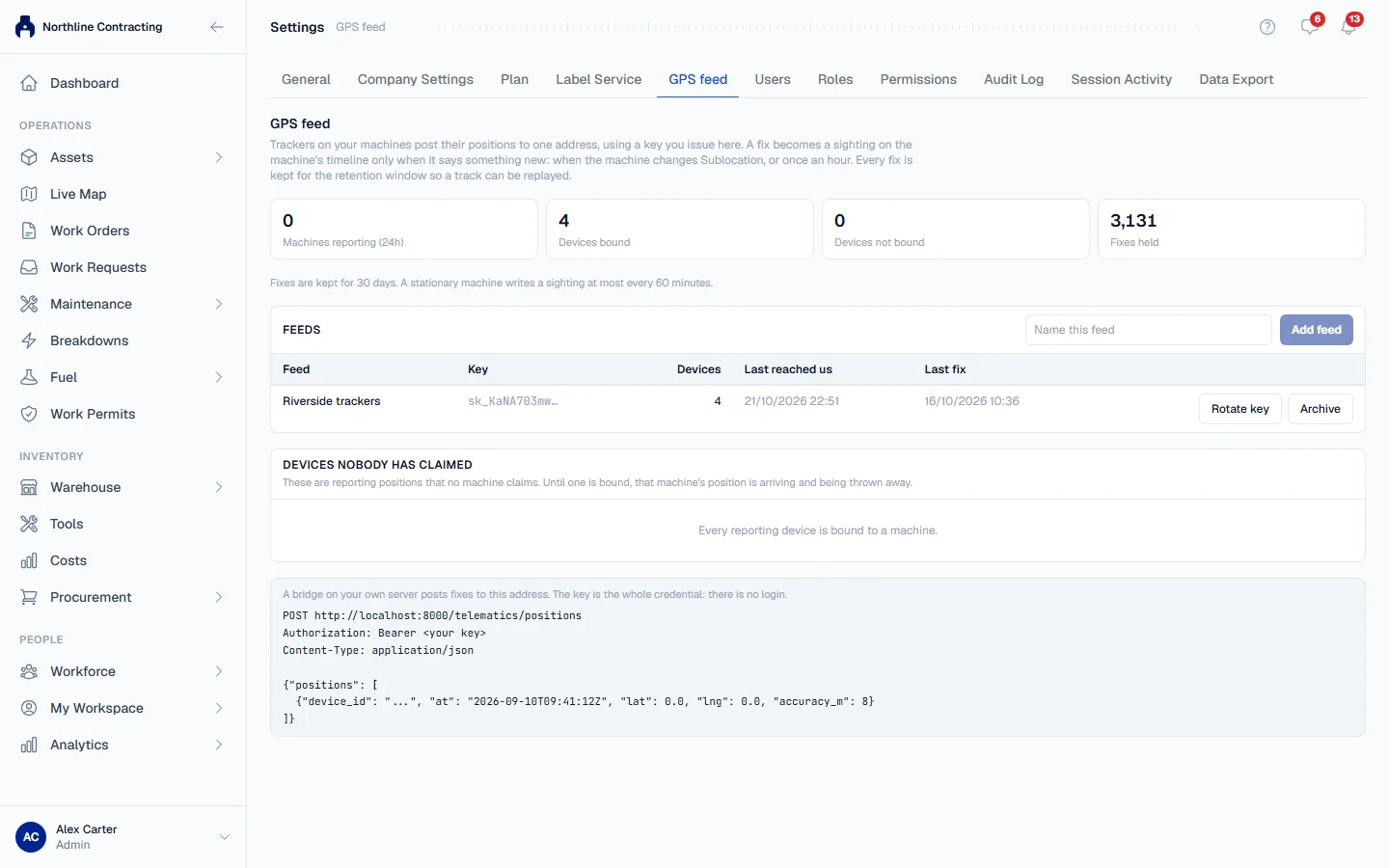
- In the sidebar, open Settings and click the GPS feed tab.
- Click Connect Wialon.
- In Wialon, log in as the user Solmex should use.
- Click Open Wialon and allow access on Wialon's token page.
- Wialon sends you to a new address. Copy the whole address, or just the access token in it, and paste it into Token.
- Choose your Wialon server.
- Click Check and connect.
The token is checked with Wialon before it is saved, stored encrypted, and never shown again. It gives tracking access only. The feed now appears under Feeds with the Wialon user and server it uses.
Bind units to machines
- Beside the Wialon feed, click Units.
- On the Suggested tab, Solmex proposes a machine for each unit whose name contains the equipment number of a machine in your register. Matches on both number and plate start ticked; number-only matches are left for you to check.
- Tick the ones that are right and click the bind button, which names how many units it will bind, such as Bind 12 units. Nothing is bound until you do.
- On the All units tab, bind any remaining unit by hand with Bind to a machine.
Under Not offered, the Suggested tab says why other units were not proposed: already bound, matched on plate only, could be more than one machine, names no machine, or a dashcam on a machine that already has a unit.
Day to day
- Positions arrive every minute on their own. Poll now fetches them at once and reports how many units, positions and new positions it found.
- Refresh GPS on Live Map does the same for every machine on the plan.
- If a poll fails, the reason is shown under the feed, in Wialon's own words.
- Replace token when the token was deleted, expired, or went unused for 100 days. Bindings and history stay as they are.
A company can have at most three Wialon connections.
Troubleshooting
| What you see | What to do |
|---|---|
| "That does not look like a Wialon token." | Paste the token, or the whole address Wialon's login page sent you to. |
| "That token is incomplete: a Wialon token is 72 characters..." | The end was cut off when you copied it. Copy the whole address again. |
| "This server cannot store a Wialon token yet" | Contact Solmex: the connection is not ready on our side. |
| "This organisation already has 3 Wialon connections, the most allowed." | Archive one, or use Replace token on an existing one. |
| "This feed was polled a moment ago." | Wait a few seconds and try again. |
| "Too many token checks. Wait a few minutes and try again." | Wait, then check the token again. |
| "This feed is archived. Restore it first." | Click Restore beside the feed. |
| A unit is listed under Not bound | Bind it to its machine on the All units tab. |