
Sign in to Solmex
How to sign in with your email or username, set your password from an invitation, and reset a forgotten password.
Where to sign in
You can sign in in two places:
- app.getsolmex.com: enter your Email address. It tells Solmex which company you belong to.
- Your company's own address, such as
yourcompany.getsolmex.com: enter your Email or username.
People who have no email address on their account sign in with their username at the company's own address. An administrator can find that link in Settings > General, under Sign-in link for usernames.
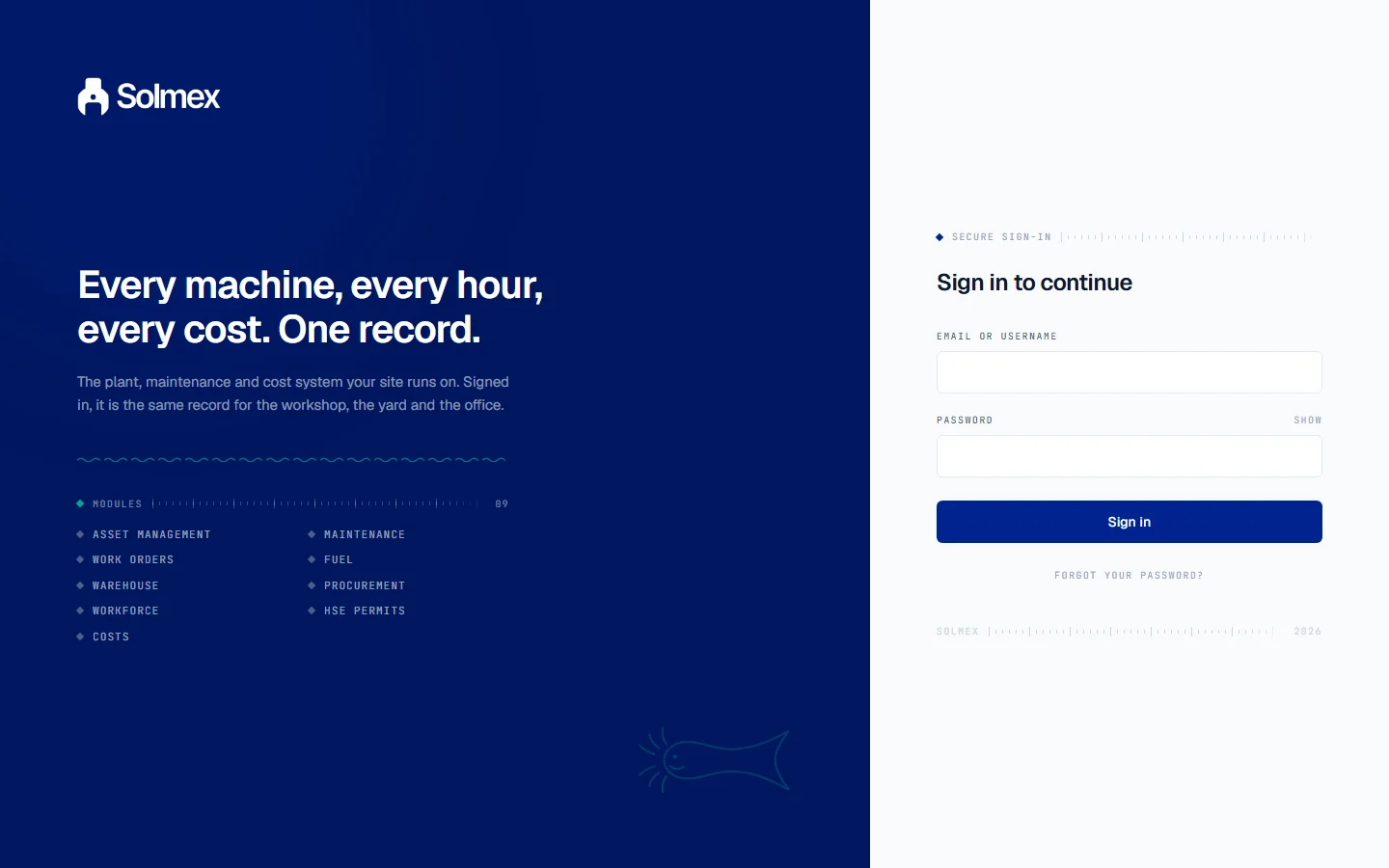
Sign in
- Enter your email address or username.
- Enter your Password. Use Show to check what you typed.
- Click Sign in.
Your first sign-in from an invitation
When an administrator adds you, Solmex emails you an invitation.
- Open the link in the email. It is valid for 7 days.
- On Set your password, type a New password (at least 10 characters) and type it again in Confirm password.
- Click Set password and continue.
If the link has expired, ask your administrator to send a new invitation.
Forgot your password
- On the sign-in page, click Forgot your password?
- Enter your Email address and click Send reset link.
- Open the link in the email. It works once and expires in two hours.
- Choose a new password and click Save new password.
For your security, Solmex shows the same message whether or not the address is registered, so it cannot be used to find out who has an account.
Change your password
Open your profile and choose Change password. Changing your password signs you out everywhere, including on other devices.
Set up a new company
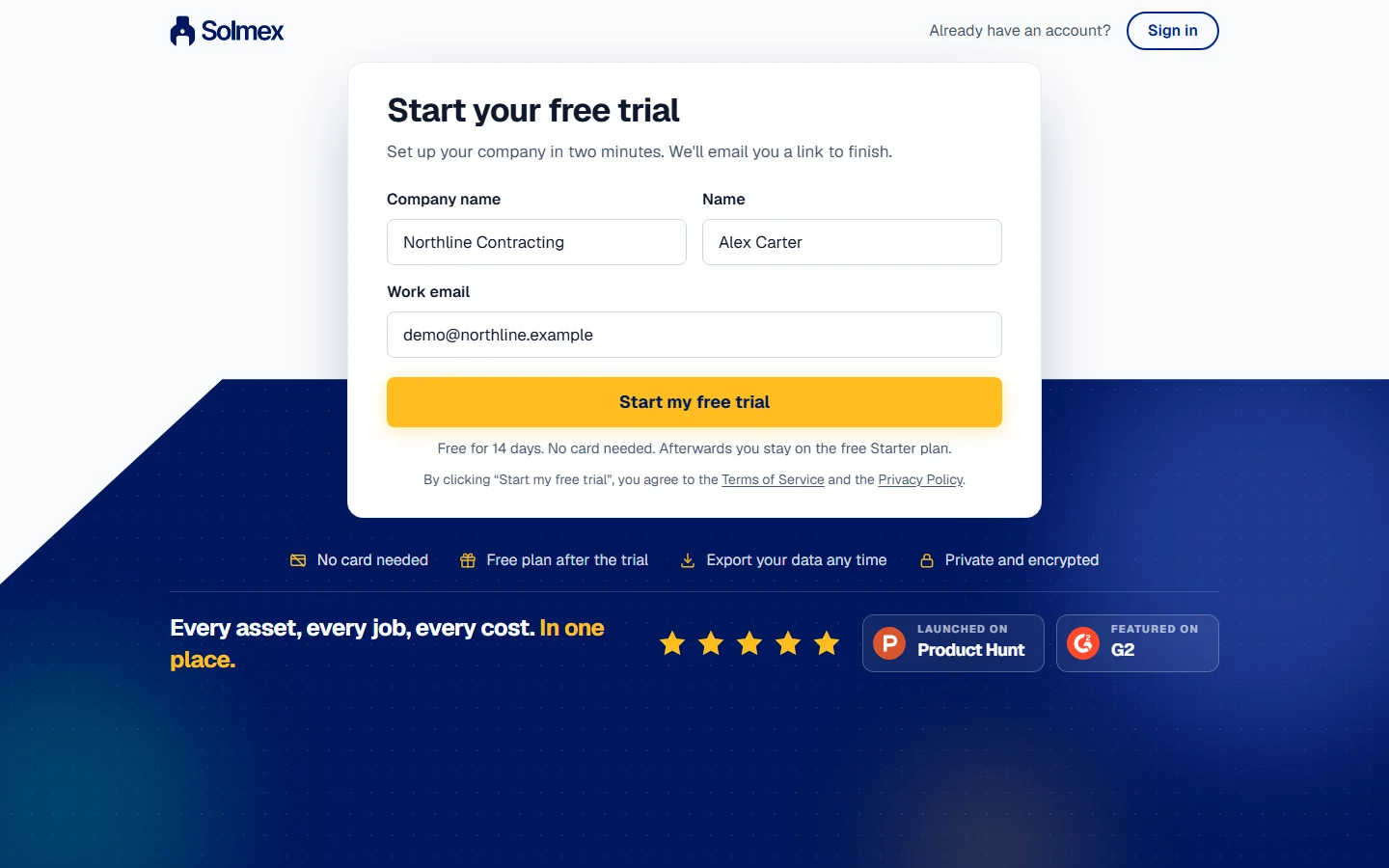
On app.getsolmex.com, click New to Solmex? Set up your company. Enter your company name, your name and your work email, and click Start my free trial; clicking it accepts the Terms of Service and the Privacy Policy. We email you a link. Open the link within 3 days, choose a password and click Create my company. You are signed in straight away as the company's first administrator.
Troubleshooting
| Message | What to do |
|---|---|
| "Login failed. Check your credentials." | Check the email or username and the password. At app.getsolmex.com you must use your email address. |
| The invitation link does not work | It has expired or been used. Ask your administrator to send it again. |
| No reset email arrives | Check your spam folder. If your account has no email address, ask your administrator. |