
I can't see a menu item or a button
Four different things can hide a part of Solmex from you. Here is how to tell which one it is, and who can change it.
Short answer: something is missing for one of four reasons. Your role does not include the permission, your company's plan does not include the module, your account is on a work requester seat, or you are limited to some Locations. Each has a different fix, and only the first is usually the answer.
Tell the four apart
| What you notice | Most likely cause |
|---|---|
| The module is missing from the sidebar altogether | Your role does not include its View permission |
| The module is in the sidebar with a lock beside it | Your plan does not include it |
| You can open the page, but a button such as + Create Work Order or Edit is not there | Your role has View but not the action (Edit, Close, Export and so on) |
| A colleague with the same role sees a button you do not | You are on a work requester seat, or you are limited to some Locations |
| A record a colleague can open says "Equipment not found." for you | It belongs to a Location your account cannot see |
Your role
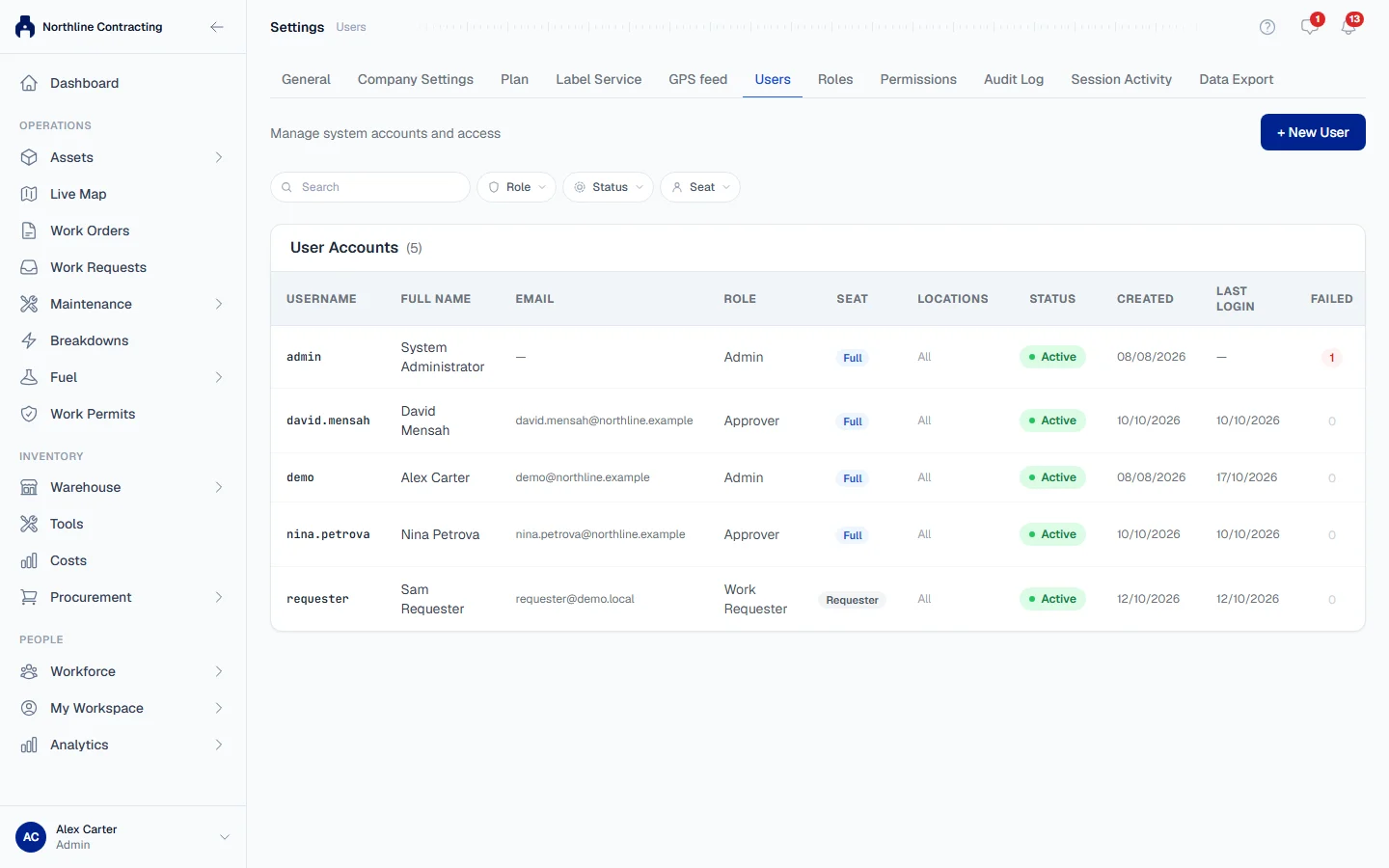
A role is a list of permissions, each naming a module and an action, such as Work Orders: View or Breakdowns: Close. Riskier actions have their own permission, so a person can see a module but not, for example, close a work order or export a register.
What the administrator changes: Settings > Roles, Permissions on the role's row, tick the permission, Save Permissions. It applies the next time your screen loads. See Roles and permissions and the Permission reference for every permission and what it unlocks.
Your plan
If the sidebar shows a lock, your role already allows the module but your company's plan does not include it. Opening it shows a page titled with the module's name and "is not on your plan". This is never fixed in Settings > Roles. See The page says my plan does not include this.
A work requester seat
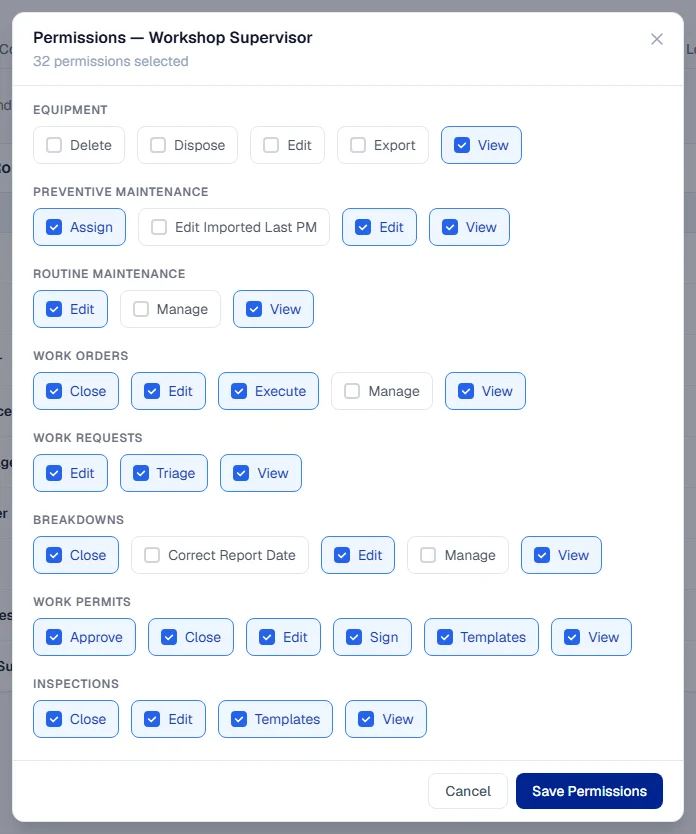
A work requester seat is free, and it is a ceiling on top of the role. Whatever the role says, a work requester can never administer users, export data, approve anything or configure a module. So two people with the same role can see different buttons if one of them is a work requester.
What the administrator changes: Settings > Users, Edit, change Seat to a full seat. That uses one of your plan's full seats. See Disable, re-enable and seats.
Location access
An administrator can limit a user to some Locations. Today that limit applies to the Dashboard: a limited user sees only their Locations there, and the stock and tools figures are not shown to them. A record from a Location your account cannot see opens as "Equipment not found.", and some company-wide settings, such as the purchase request approval chain, can only be changed by someone who sees every Location. See Limit a user to Locations.
What you may see
| If you see… | What it means | What to do |
|---|---|---|
| "You don't have permission to view this page." | Your role does not include the permission this page needs | Ask an administrator to add it to your role |
| A lock beside a module in the sidebar | Your plan does not include it | See Your plan page |
| "You cannot assign a role that grants permissions you do not hold" | An administrator tried to give a role wider than their own | Someone with Administration: Manage assigns it |
| A notice opens a page saying you need a permission | Your role no longer includes that record | Ask an administrator if you still need it |
| "Machines are not shown: viewing equipment needs its own permission." | Live Map opened, but your role lacks Equipment: View | Ask for Equipment: View |
| A layer is greyed out with "Needs" in its tooltip | Your role lacks that module's view permission | Ask your administrator |
| No Columns button | The page has fixed columns, or you are on a phone | Use a wider screen |
| No Panel switch on the register | Your window is narrower than 1024 pixels, or a guided tour is running | Widen the window, or finish the tour |
| No Customize button on the dashboard | You are on a phone | Use a computer or tablet |