
What's new in July 2026
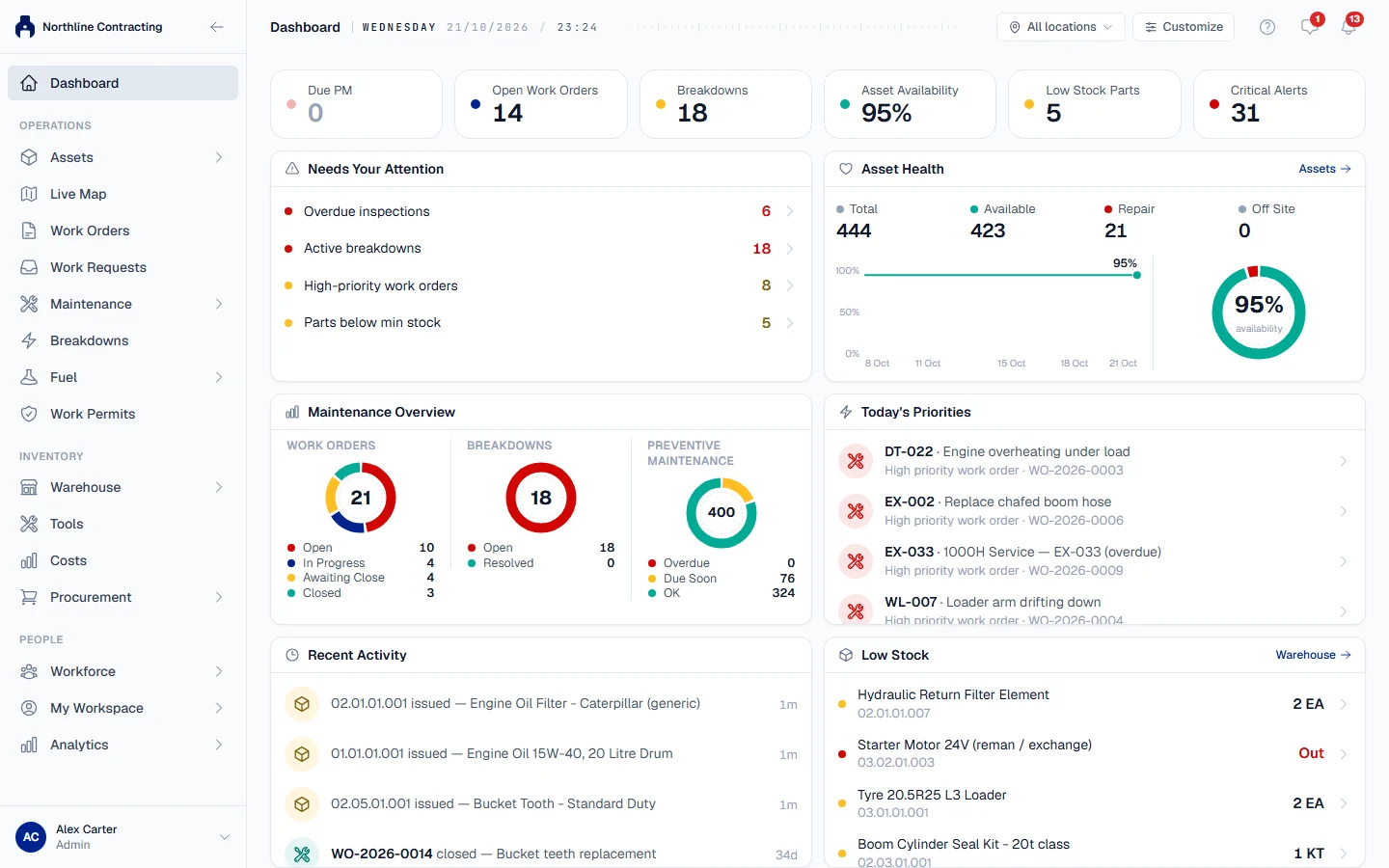
The dashboard, chat, the Cost Ledger, labels, a much faster way to register machines, and the first version of the mobile app.
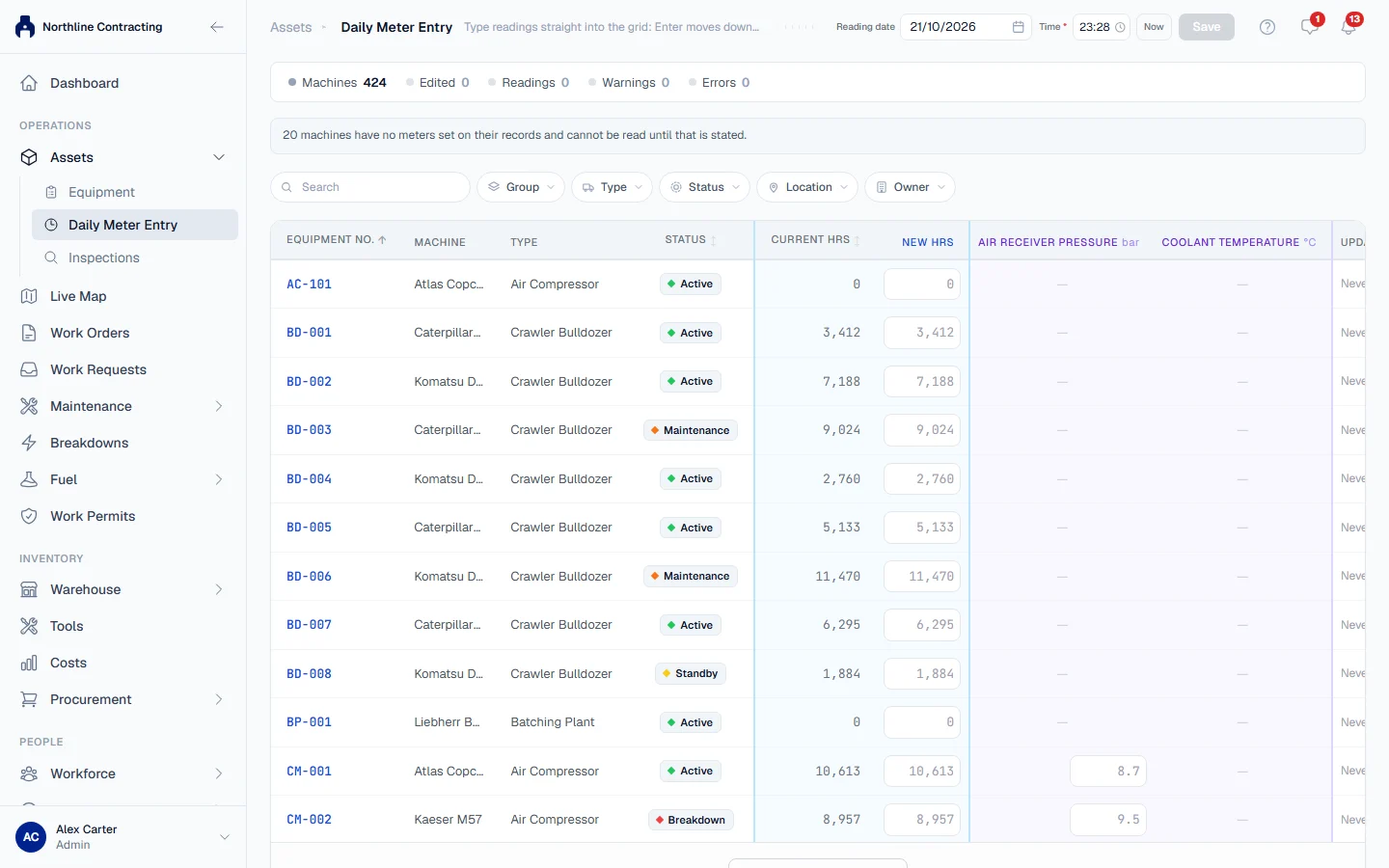
July gave Solmex its dashboard, chat and the Cost Ledger, and the first version of the mobile app, which is not yet in the app stores. It also made registering a large number of machines a single import, and put a whole round of meter readings on one screen.
New
- The dashboard. A personal dashboard of widgets, which each user can arrange, including Asset Health and Asset Composition. See The dashboard and Dashboard widgets.
- Chat and real-time notifications, including team chats and a discussion thread on every work order. See Chat basics, Discuss a work order and Notifications.
- The mobile app, first version, with a work order activity timeline. It is not yet in the App Store or Google Play. See Mobile app.
- Costs. One ledger for every cost, with fuel and parts posted automatically and manual entries for the rest, and a Costs tab on each machine. See How costs work and Costs tab.
- Your company's base currency, used for every amount in the app.
- Labels and QR codes for machines and spare parts, with storage bin mapping and a print history. See Labels and QR codes.
- Profile pictures for every user.
- Locations and Sublocations management. See Add Locations and Sublocations.
- Interactive organisation chart. Rearrange the organisation by dragging, then save the changes together. See Organisation chart.
- Planned to Join status for employees who have been hired but not started. See Add and manage employees.
- Equipment import. Register many machines at once from an Excel template. See Import equipment.
- Daily Meter Entry. Type the morning's meter readings for every machine on one screen and save once. See Daily meter entry.
- Breakdown Status Report, a short printable summary for managers. See Breakdown status report.
Improved
- Every list page shares one layout, so filters and sorting work the same way everywhere. See Filter, search and sort a list.
- Filter the Asset Register by equipment group, and the register has its own web address you can share. See Find equipment on the register.
- A newly registered machine no longer reads as overdue for PM or inspection before its first cycle has passed. See Why is this machine overdue?
- Work permits and the breakdown and work order workflows were improved, and breakdowns show a progress view. See What is a work permit.
- Keyboard and screen reader access across the app.
- Long registers load in pages, so the Asset Register and the Cost Ledger stay quick.
Fixed
- The Asset Register's status filter now filters, and its columns no longer move when more rows load.
- The equipment type field accepts new types.
- An empty dashboard after sign-in.